Home Screen — pick a match
When you open GameCrew, you land on one question:
Which match do I want to follow right now?
No dashboard, no news feed, no bottom tabs. The screen is the match.
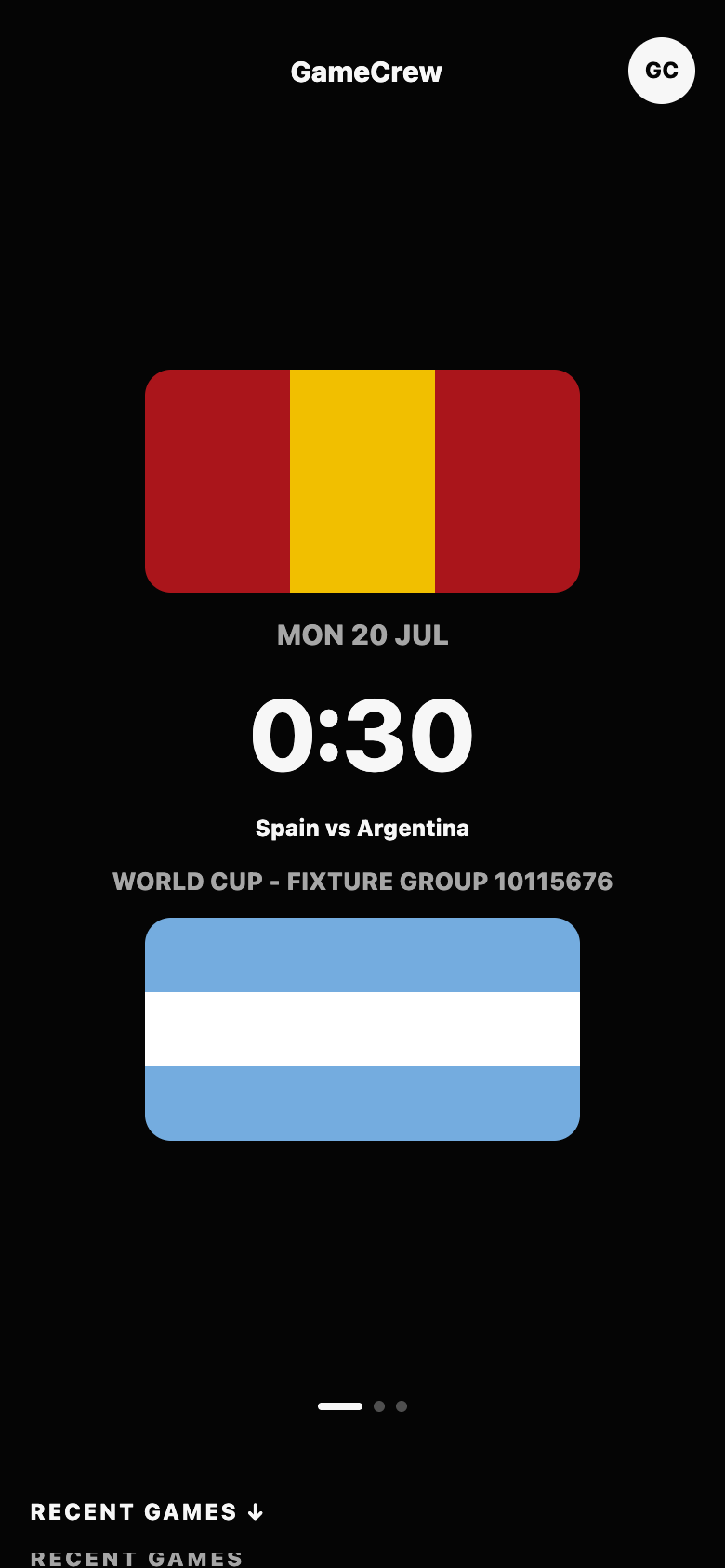
The match poster carousel
Section titled “The match poster carousel”The main surface is a large match poster that takes most of the screen — embedded into the black app background, not a bordered card. Each poster shows:
- the two teams (or country flags)
- the score and match minute if live
- the start time if upcoming
- replay status if the match is finished
Swipe sideways to browse matches. Tap a poster to open Match Detail — the screen where Match Pulse, Game View, and Global Chat live.
Filters
Section titled “Filters”Below the poster, four simple filters change what the carousel shows:
| Filter | What you get |
|---|---|
| Live | Matches happening right now |
| Upcoming | What’s kicking off next |
| Replay | Finished matches you can replay as if live |
| Hosted | Hosted match rooms (coming later) |
What happens next
Section titled “What happens next”Tapping a poster drops you into the match. The first thing you see is the live story — Match Pulse — with Game View and Global Chat one tab away.